
Second year of uni. Food plan for the weeks ahead sorted. £80 Morrison’s shop delivered.
(Yes £80 – this is what happens when you don’t drink that much)
This was the way things went every month. Stock up and then by the end of the month my food supply would be depleted ready to start again.
Or at least that’s how I expected it to work. But my food plans would change constantly and after weeks had gone by I would find heaps of gone off food in the back of the fridge, all of it ending up in the bin.
And I didn’t really think much of it.
Fast forward a few years however, and lots has changed. Now, to me, food waste is criminal. It’s very rare that I end up throwing stuff away, and that’s how it should be.
This is a sort of guide with a number of suggestions and recommendations on ways that you can make the most of what’s in your cupboards, but also help to reduce commercial food waste.
On a personal level, Nadiya’s Time to Eat was what started my full on appreciation for my freezer. So many of the foods I’ve thrown away over the years would’ve been perfectly edible had I frozen them. Your freezer is your friend and the sooner you realise that, the less waste you’ll end up with.
The current contents of my freezer are as follows:
Cardamom Ice Cream
Gingerbread Fondant Cups x3
Vegan Sausages x4
Chips
Edamame Beans
Peas
Shortcrust Pastry
English Muffins x2
Bacon x3
Squid
Smoked Salmon
Broad Beans
Focaccia x1
Croquettes x1
Vegan Fries
Bagels
Shellfish Stock
Some of the things on this list are obvious – where else would you keep ice cream? But others have meant I’ve preserved food that otherwise wouldn’t have made it.
Take the Gingerbread Fondant Cups for example. I made dessert for two people. When it comes to buying ingredients, just making two little fondant cups isn’t really worth it, so I ended up with about nine. There was never any chance of me eating 9 in one sitting, so they’ve now been resting in the freezer for a few months, ready for me to dish up as dessert if I ever have guests over, or for my flatmates.
Making sure you freeze in practical portion sizes is essential. If you tend to just be cooking for one, don’t freeze 3 chicken breasts together – you’ll come to regret it when you only want to defrost one.
My freezer is also a saviour for bready carby products – bagels, muffins, and all sorts of actual bread. Okay, so it’s never quite the same after being defrosted, never as soft and fluffy, but it’s edible, and when you slather it with fillings, the bread really isn’t the star of the show anyway. The focaccia I made the other day is waiting patiently until I delve back into my Max’s Sandwich Shop book in a month or so’s time – and because that’s already sorted, the sandwich recipes I want to try will take me ¼ of the amount of time what with not having to make the actual bread again.
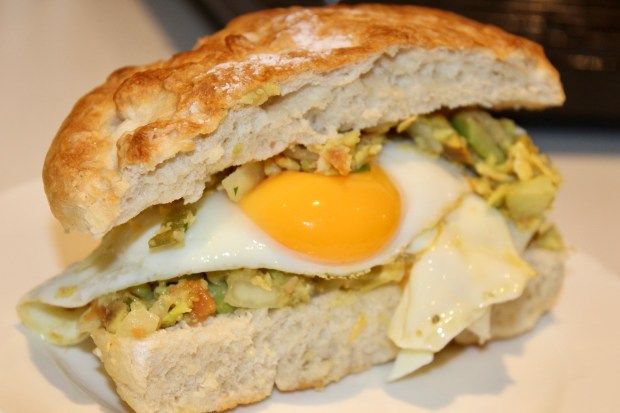
You can also make the most of slightly stale bread by blending it to breadcrumbs or toasting cubes of it for croutons. This is a much better option than buying packets of these straight from the supermarket.
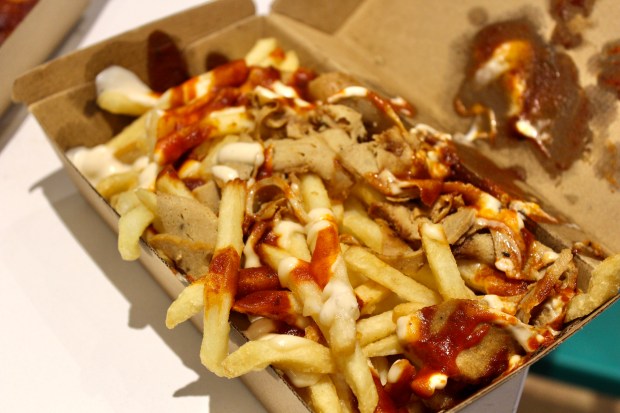
Another thing that I’m not afraid to do is freeze leftover food that I’ve bought from stalls and restaurants. I currently have my loaded fries from Temple of Seitan sitting in there after I couldn’t manage to eat them the other week as I’d already had 4 wings, a burger and Mac n Cheese lool. I’ve done this before with fries from Truffle, which tasted just as good heated up weeks later. The alternative is wasting perfectly good food and in my mind that’s just not a option. There should be no shame in taking home leftovers when you’ve been out to eat – this is much more responsible than overordering and then allowing it all to be thrown away. It also means you’ve got food ready to be reheated for an evening or lunchtime when you’re in a rush and don’t have time to cook something from scratch.
And the final point to add on the topic of freezing things is that many unappealing-looking scraps can be turned into something useful before or after being frozen.
Example number 1: Shellfish stock
I recently made a crab curry and found myself left with all shell and claws. Instead of binning them straight away, I boiled them into stock with a few other added ingredients, and have now frozen that stock ready for when I make a squid stew later this week.

Example number 2: Vegetable soup
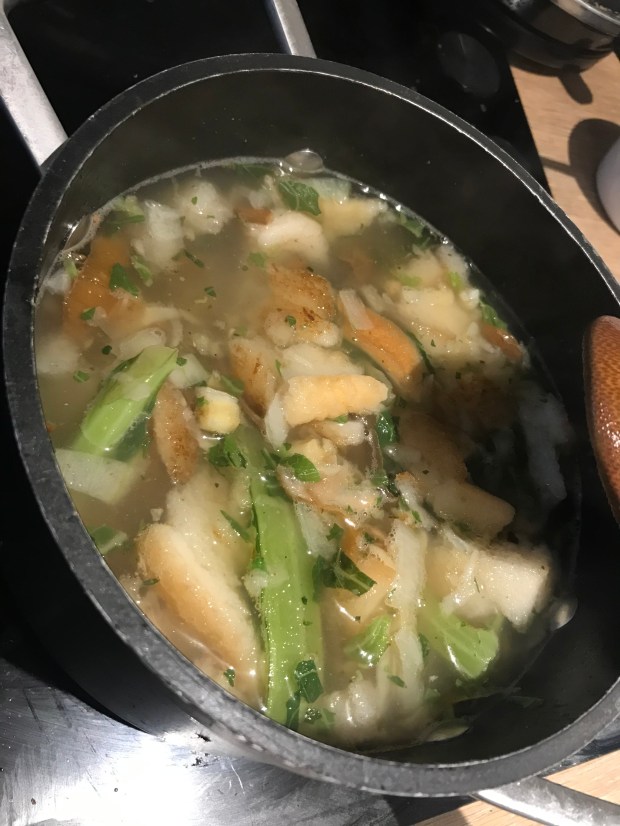
This one might not sound that appealing but it was so satisfying to make. I froze a load of veg scraps – parsnip peel and cauliflower stalks etc and once I had built up enough, I boiled them, eventually blending the scraps into a smooth soup. You could just make stock, but why make stock and end up throwing the scraps away again when you could actually just blend them and use them as the substance for an entire meal. The idea of eating vegetable peel and stalks doesn’t sound massively appetising but it made for a really satisfying meal.
Example number 3: Aquafaba mayo
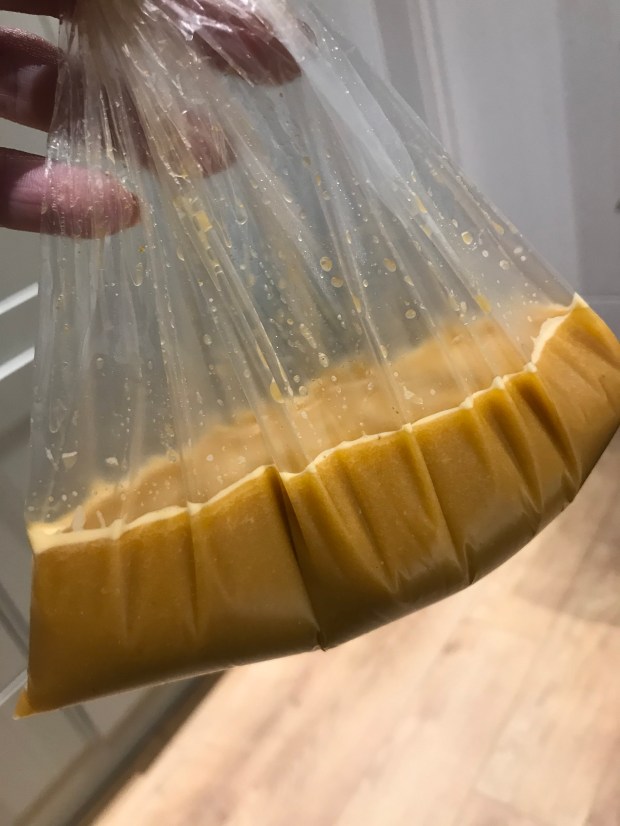
I was surprised to learn during my vegan week (from Rachel Ama) that vegan mayo can be made using aquafaba, or the liquid that comes from tinned chickpeas. Instead of draining the liquid when making a chickpea curry, I kept the liquid in a sealed bag and froze in, later using it to make the mayo.
The point is, if you do your research, there are plenty of ways to think outside the box when it comes to using your freezer to its full potential to limit the amount of food waste you’re producing.
And it’s not only vegetable waste that we can avoid. Fruit that is past its best can also be utilised to make tasty snacks. One of the most obvious examples is with bananas. Overripe bananas that are too mushy to eat are perfect to bake with – whether its cupcakes, muffins, or of course, banana bread. Other fruit works in a similar way – it might not taste great eating it on its own, but you don’t need or even want the freshest fruit when it comes to cooking it down for a compote, or baking it into cakes etc.
If you don’t fancy all that added sugar from baking, try making smoothies or shakes instead. Blend the fruit alone, or add milk or crushed ice (or even ice cream if you want to indulge) for the perfect pick me up in the morning. Once again, the fruit does not need to be on top form for this, as it’s going to be blended to a pulpy mush anyway.
Although most often I cook just for myself, that doesn’t stop me from wanting to try cooking bigger joints of meat, so I often find myself with lots of meaty leftovers. I tend to freeze the meat in smaller portions but there are so many things you can do with leftovers like this, whether it’s chicken, beef, lamb, pork or something more exotic. Using a food processor, you can blend smaller chunks of meat into mince. Obviously the texture ends up being quite different to shop-bought mince but it works in exactly the same way, and often has more flavour.
One of my favourite things to do is use leftover meat in a pie. I made a lamb roast dinner a few months ago, and with the leftover meat, I made a harissa lamb pie filling which was delicious.

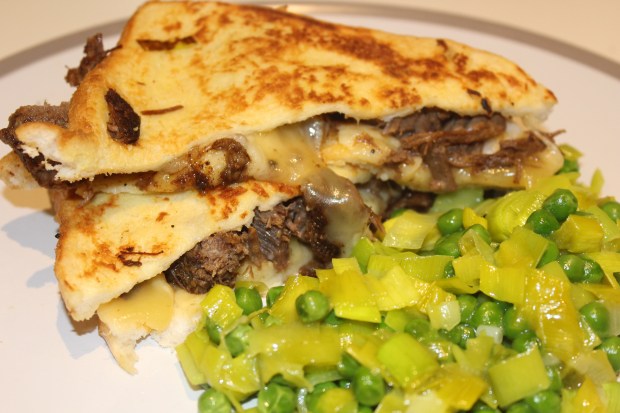
After the pie there were still leftovers, so wanting to use up the lamb in as many diverse ways as possible, I added it to a greek lamb orzo dish. Another time I used some leftover brisket as the filling to some deliciously cheesy eggy bread. Adding your leftover meat to stews and curries is another perfect, and very easy option, and the possibilities really are endless.
As well as the things you can do in your own kitchen, there are now a number of really useful apps you can use on your phones and tablets to help reduce waste in your local community. Here are 3 of my favourites:
Too Good To Go
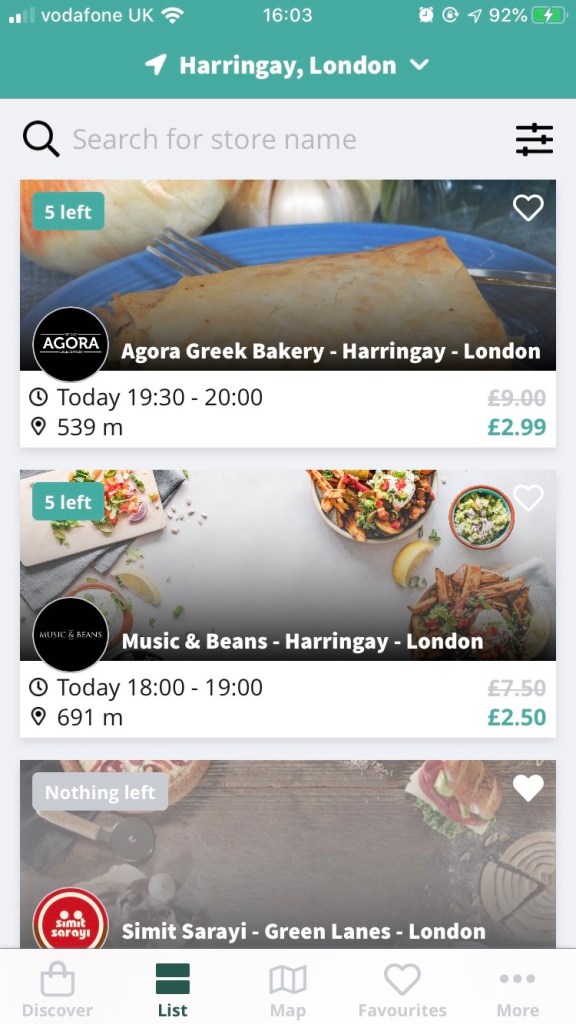
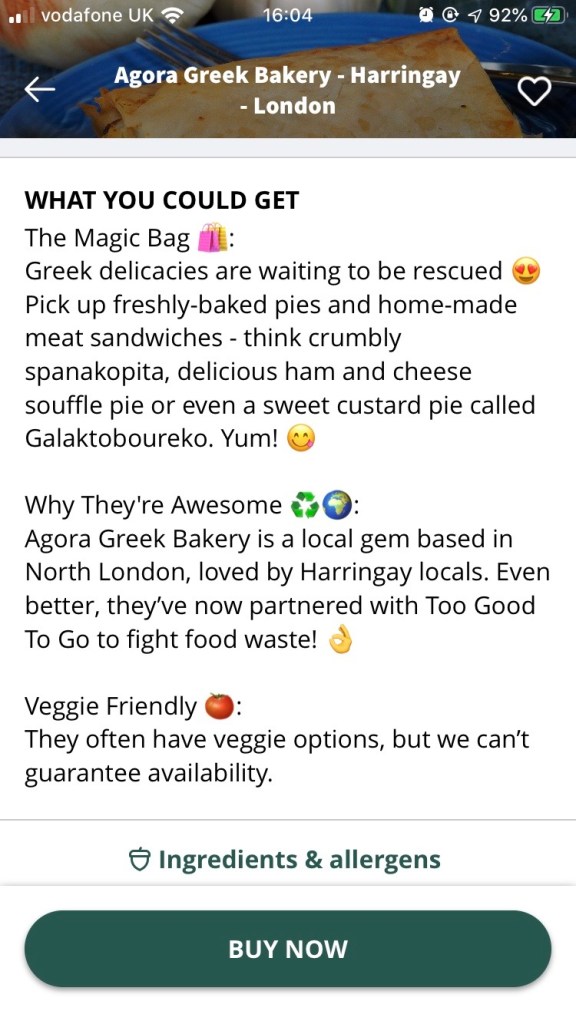
A large number of cafés, restaurants and even supermarkets are now using Too Good To Go to reduce their end of day waste. You can browse the app to see which locations will have waste at the end of the day, and how much it will cost (significantly reduced prices of course). You never actually know what specific items you will receive in your mystery bag, as because it’s a sort of pre-order system, the businesses cannot predict what they will have leftover, but they generally tend to give you an idea of the things you can expect to receive. Collection only.
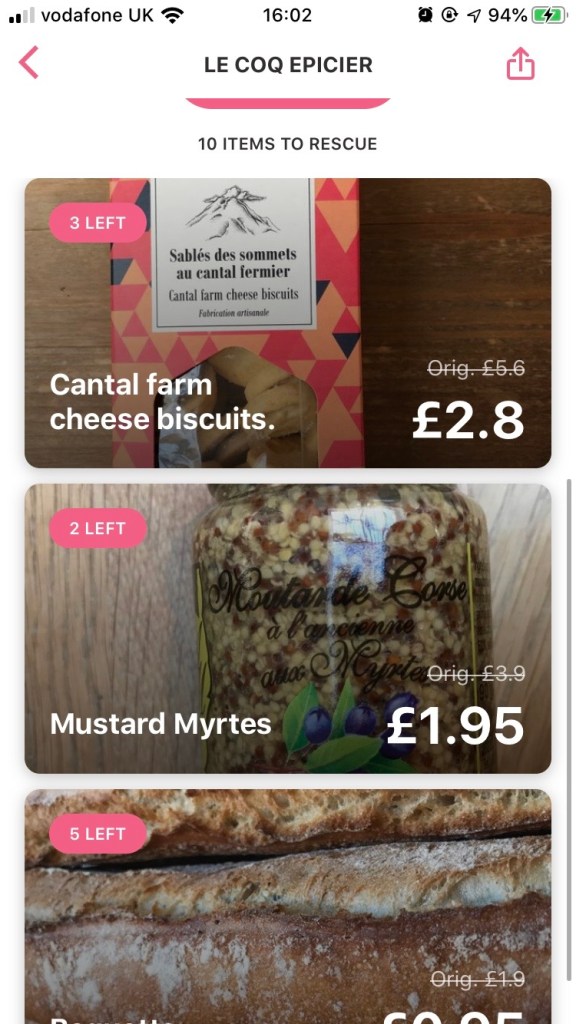
Karma
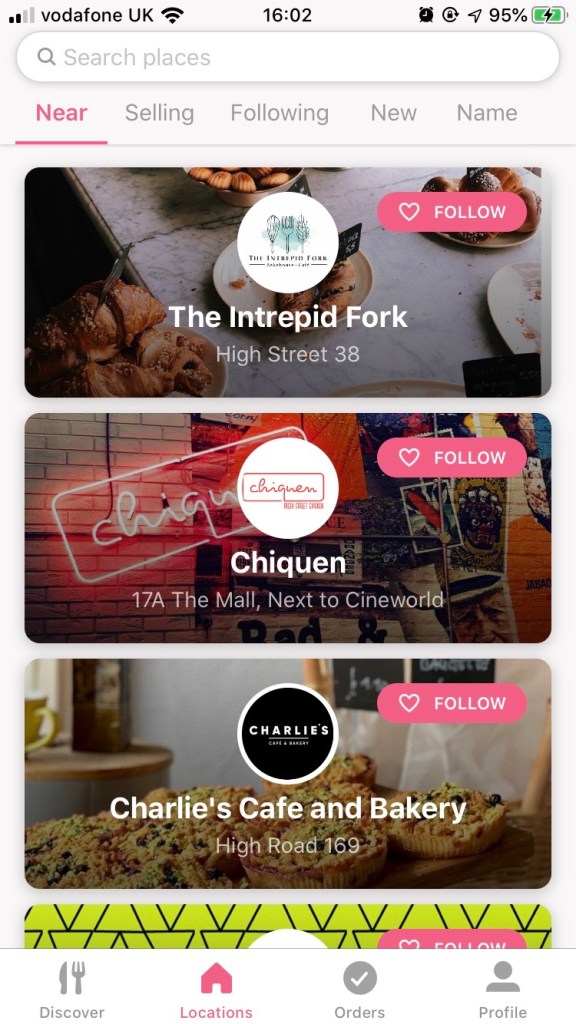
Karma works in a similar way to Too Good To Go, except businesses upload individual waste items live as they have them, and so you will find food ‘to rescue’ even first thing in the morning. Also, rather than committing to buying a surprise goody bag like in the previous app, with Karma you can choose to buy specific dishes. You’ll even find street food style businesses on this app. Again, it’s collection only but each establishment will let you know when you need to collect the food by. More often than not, the food items are half price.
Olio
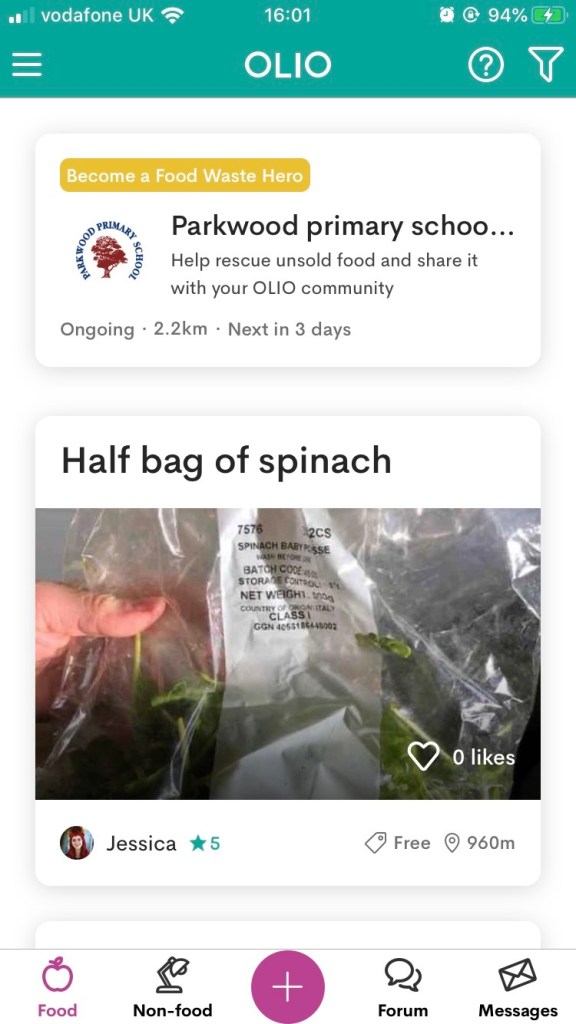
Saved my favourite until last! Olio does work alongside businesses but it’s designed more so for normal people like us who have food in our homes that is perfectly good to eat but that we’re not going to use. Instead of wasting it, you put up a post on the app, showing what food you are trying to get rid of with a short description, and when it will be available to collect from yours. People can then contact you if they are interested in collecting the item and you can arrange the pick up. A lot of the time people will leave the item securely wrapped outside the property so that you can collect it even if they’re not home, and I’ve done this at mine so I don’t have to worry about whether I’m going to be in or not. The food items can be brand new and unopened or even half used. This might sound odd, but why let half of a loaf of bread go to waste, or even half a bottle of ketchup if it’s perfectly good to use and it saves you from buying a whole new one! I really recommend using this app, and certainly not turning your nose up at it, as I reckon if we all properly thought about how much food we throw away on a yearly basis, it would be shocking. I’m still delighted about the fact that it saved me a few pounds the other month when I needed some strong bread flour and a lady living about 10 minutes from me had a whole unopened packet going for free. Result.
Most of my suggestions above are probably pretty obvious. Use your freezer. Sounds silly, but every time you’re about to throw something away, just think, is there another way I could use this? Might I want this for a dinner or packed lunch next month? Do I know someone who might want this? Of course there’s no point in filling your freezer with a load of things you are never ever going to go back to, but if that’s the case, you need to question what you’re buying, and how much of it you actually need in the first place.
Bottom line is we’re throwing far too much away. There are constant talks of shortages of this and shortages of that, but how can we be suffering shortages at the same time as wasting so much??
The moral of the story is think very carefully about what you’re buying and what you actually need, and do challenge yourself to try one of the apps or recommendations above this month, and see if you can reduce your waste.
As I often like to reiterate – food waste is for losers.
¡Comemos!
xo
 ¡Comemos!